Vaulted End:
Vaulted End is a server-side mod that replaces Elytra item frames in End City Ships with Vaults and
Trial Spawners. This helps new players get Elytra and Shulker Shells even in an old End, without needing
to travel far.
Disable End:
Adds a gamerule to disable end portals. The End will open on a specific date so everyone can cooperate
on killing the dragon together.
Universal Shops:
Flexible, server-side trade shop mod. Works with vanilla clients—no mods needed! More info: Universal Shops
Hey That’s Mine:
Protect your containers (chests, furnaces, etc.) from theft. You can trust other players to access your
containers. See commands below for how to use it.
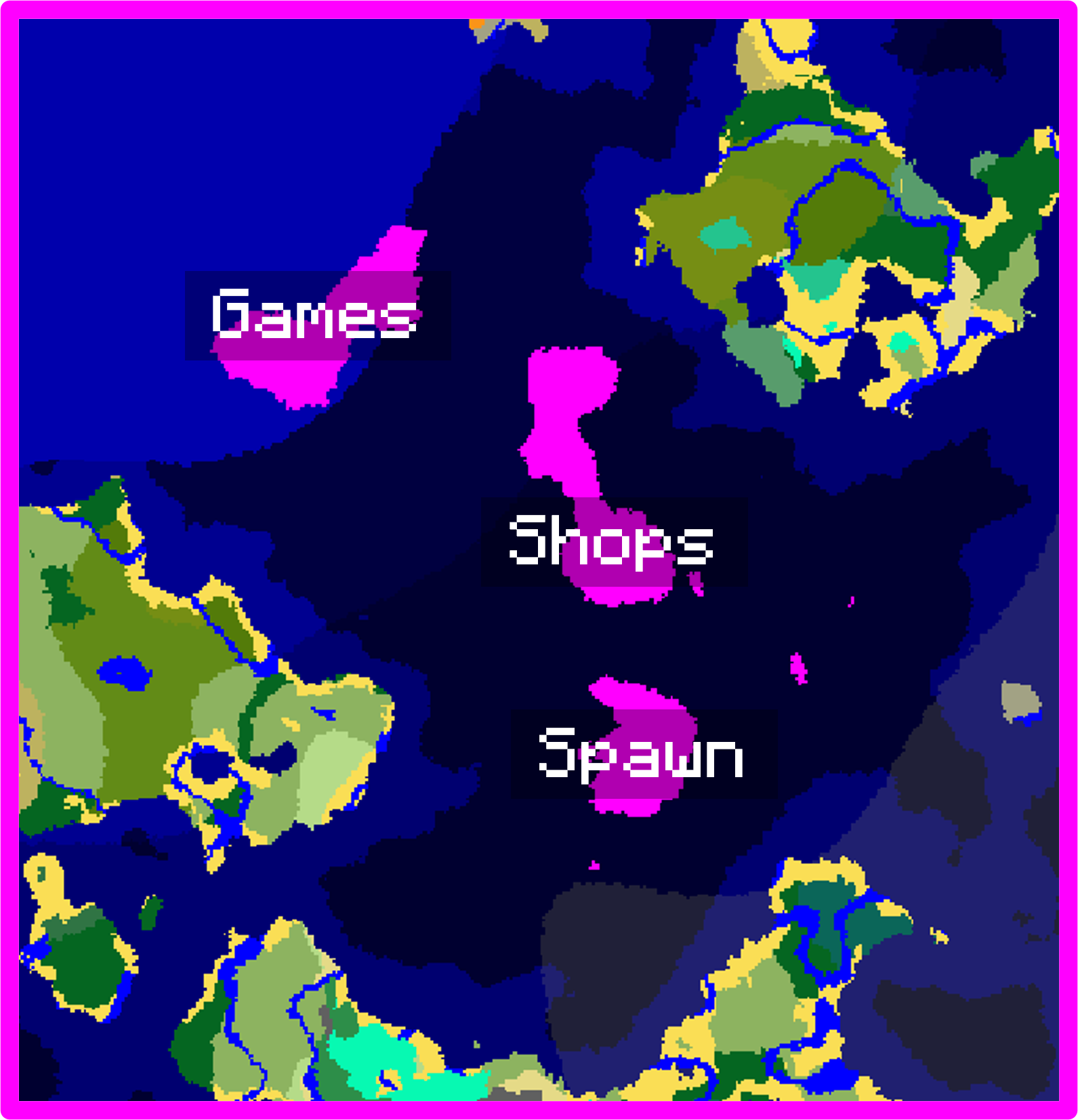
🌍 Spawn
In spawn players are allowed to build and create their own attractions. For example, you can build on our zoo or create your own quests.
ℹ️ Voice Chat is optional — you don’t need it to join the server.
🎲 Fun Commands
/hat → wear the item in your hand as a hat 🧢
/random roll 1..6 → roll a dice 🎲
📜 Server Rules
⚠️ Warning: Audio version may be loud.
These rules may be adjusted as needed!
Respect All Players
No harassment, hate speech, or bullying. Treat everyone with kindness.
No Griefing
Don’t destroy or steal from other players’ builds or property.
Staff can track block breaking and items taken from chests.
Protect the Environment
Don’t cause excessive damage to the landscape (e.g., avoid leaving floating trees).
Follow Staff & Appeal Process
Helpers and admins have the final say in-game. Respect their decisions.
Not doing so may result in warnings, temporary bans, or permanent removal.
If you disagree with a decision, you can appeal to OMG Board members.
Report Issues
If you see someone breaking the rules, report it to a helper, admin, or board member.
No Cheating or Hacking
Do not use hacked clients, x-ray, duplication glitches, or any mods that give an unfair
advantage.
Breaking this rule will result in a ban.
✅ Allowed client-side mods:
Lightmatica
Simple autoclickers (not combat hacks)
🟥 Not allowed:
X-ray or ore-finding mods
Fly/Speed hacks
Anything that automates combat or gives unfair PvP advantages
How to Get Whitelisted
To get whitelisted, join the Oslomet
Discord and follow the instructions in the minecraft chat channel.
⬆️ If you have any suggestions, post them in Minecraft chat!